A CRM only helps when your team can reach it at the moment they need it: a sales rep checking a quote before walking into a meeting, a support agent updating a ticket on the way back from a site visit, a field engineer looking up a customer’s address. vTiger CRM’s screens are built for a desktop browser, and on a phone they quickly become hard work.
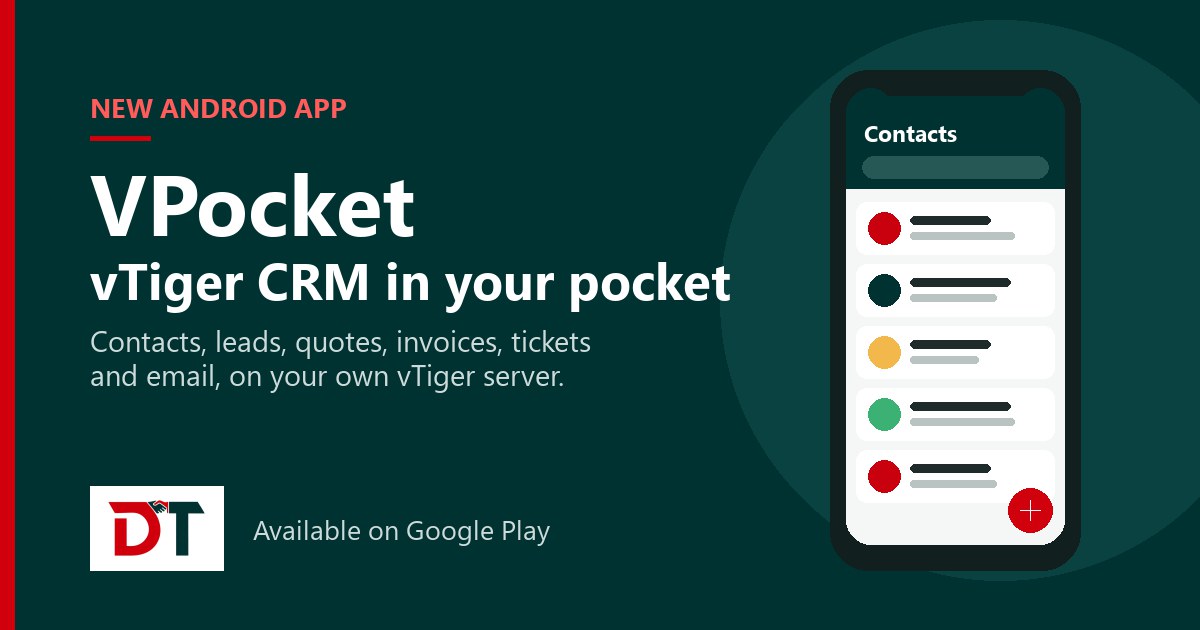
That is why we built VPocket, a native Android app for vTiger CRM. It connects directly to your own vTiger server and gives your team a fast, clean mobile view of the records they use every day. VPocket is now available on Google Play.
What VPocket is
VPocket is a mobile companion for vTiger CRM, designed for vTiger Open Source and other self-hosted vTiger installations. It is not a separate CRM: you enter your server address, sign in with your existing vTiger username and password, and work with the same data, modules, views and permissions you have on the desktop.
- Works with standard vTiger CRM 7.x and 8.x installations.
- No data migration and no separate cloud account.
- Role-based permissions from your vTiger server are honoured end to end.
What you can do with VPocket
Work with every record you use
View, search, filter, sort, create, edit and delete records across every module your role can access: contacts, organisations, leads, opportunities, quotes, sales orders, invoices, purchase orders, tickets, products, services, documents, calendar events and any custom modules your administrator has built.
Call, message or email in one tap
Call, message or email a contact straight from their record. VPocket can then prompt you to log the activity as a calendar event, with the related record, activity type, date and time already filled in.
Send email from the CRM
Write rich-text emails with attachments from the camera, gallery or file picker. The email is saved against the related record automatically, so the whole team sees the conversation.
Quotes, orders and invoices, exactly as on desktop
Quotes, sales orders, invoices and purchase orders show their line items, per-item taxes, shipping and handling, charges, deducted taxes, discounts and totals just as they appear in vTiger on the desktop.
Calendar, notes and documents
Activities are grouped by today, yesterday, this week and this month, and you can create them with sensible defaults or change their status on the go. Add notes and comments with attachments to any record, and open, preview, download or upload documents.
Find anything fast
Global search looks across all your records at once and groups the results by module. Every filter and saved view from the desktop is available too, with the same default view for each module.
Turn business cards into leads
Scan a business card with the camera and create a lead or contact in seconds, without typing the details in by hand.
Make it yours
Choose a colour and typography that match your brand, in light or dark mode.
Who VPocket is for
VPocket is a business app for teams that already run vTiger CRM: sales reps, account managers, support agents and field staff who need customer information away from their desk, and the vTiger administrators who look after them.
How it works
- Install VPocket from Google Play.
- Install the VPocket extension on your vTiger server. We provide it: email support@devitechnosolutions.com or contact us, and we can install it for you.
- Open the app, enter your vTiger server address and sign in with your vTiger username and password.
- Your modules, saved views and permissions appear just as they are set up on the desktop.
Security and privacy
- Your CRM data travels directly between your phone and your own vTiger server. We do not store, mirror or have access to it.
- Sign-in uses your existing vTiger credentials; user accounts are managed on your vTiger server, not in the app.
- Token-based authentication with refresh-token rotation.
- Data cached on the phone is cleared automatically when you log out or uninstall the app.
- HTTPS-enabled vTiger servers are strongly recommended; plain HTTP is supported for closed internal networks.
Frequently asked questions
Which vTiger versions does VPocket support?
Is VPocket a separate CRM?
How do I get the VPocket server extension?
Where is my CRM data stored?
Get started
Install VPocket from Google Play and send us a message to get the server extension. If your vTiger CRM has custom modules or workflows you want to use on the go, or you need help setting up the extension, we are happy to help: we built VPocket, and we customise vTiger CRM every day.
VPocket is an independent product of Devi Techno Solutions and is not affiliated with or endorsed by Vtiger Systems Inc. “vtiger” is a trademark of its respective owner and is used only to identify the CRM platform VPocket connects to.