Most small businesses reach the same point: client details live in a spreadsheet, conversations sit in someone’s personal inbox, and follow-ups depend on memory. We wrote about the signs that a business has outgrown spreadsheets. The usual next step, a full enterprise CRM, often swaps one problem for another: weeks of setup, modules nobody opens and a price that assumes a dedicated administrator.
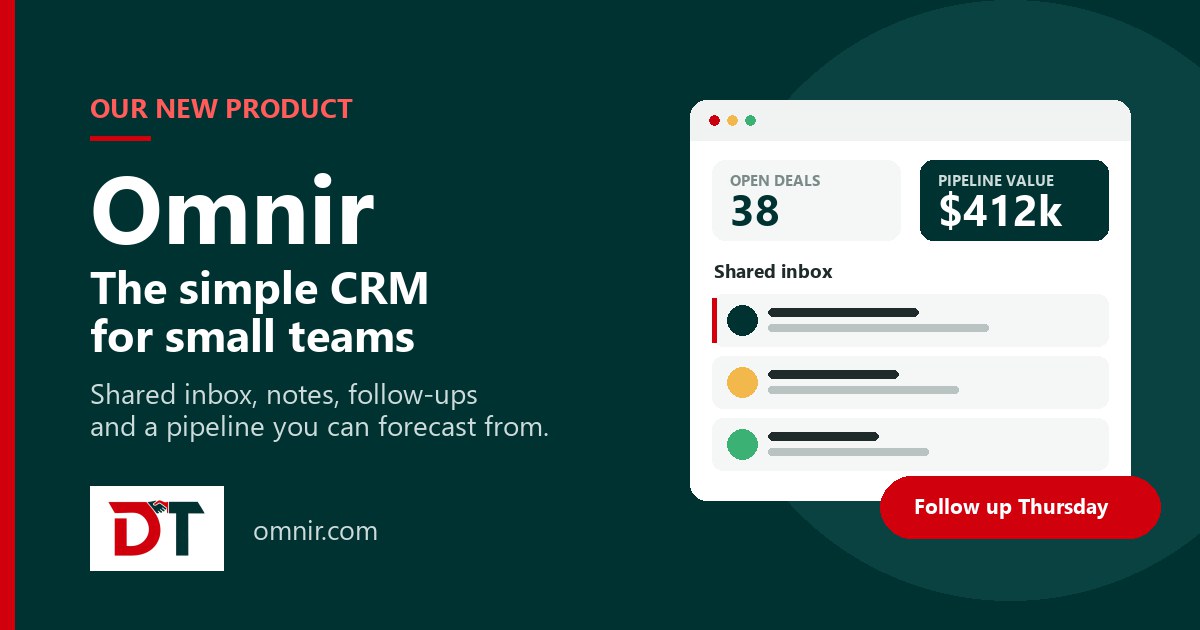
That is why we built Omnir, a simple CRM for small teams. It covers the work small businesses actually do every day (conversations, follow-ups and deals) and deliberately stops there. Omnir is live now at omnir.com.
What Omnir is
Omnir is a web-based CRM for solo operators and small teams: insurance agents, contractors, consultants, agencies, clinics, freight and logistics firms and other service businesses with more client conversations than they can hold in their head. It keeps every client, conversation and promise in one place, without an implementation project.
Five tools your team will open every day
- Shared inbox. Client email lands in one thread the whole team can see, instead of somebody’s personal folder.
- Quick notes. Type them during a call; they attach to the contact the moment you save.
- Follow-up reminders. Promise to call back on Thursday and Omnir makes sure Thursday actually happens.
- Reusable templates. Keep your best replies a click away instead of retyping them every day.
- Client timeline. Calls, email and notes in one ordered history, so you can open a record and see exactly where you left off.
A pipeline and reports without building dashboards
Drag deals between stages that match how you sell and see their value at a glance, with a weighted forecast by close date. The numbers small businesses actually ask for are ready from day one:
- Live pipeline value and win rate, with overdue follow-ups shown first
- Win rate by owner, source and stage
- Activity reporting on calls and email, and revenue trends over any date range
- Filters by owner, source or date range, and every view exports to CSV
Connects to the tools you already use
Omnir is not trying to replace your mailbox, calendar or file storage. It connects to them and keeps the client record straight:
- Email and calendar: two-way sync with Gmail, Outlook, Google Calendar and Microsoft 365, or any mailbox over IMAP/SMTP.
- Website forms: new enquiries from WordPress and Webflow arrive as contacts with their source attached.
- Files: Google Drive files attached to the client they belong to.
- Everything else: a REST API, plus CSV import and export.
Running by this afternoon
- Import your contacts. Upload a spreadsheet or connect your mailbox. Omnir removes duplicates as it goes, so you start clean.
- Connect your mailbox. Email syncs both ways and lands on the contact record, so logging stops being a separate task.
- Work the follow-ups. Open a contact and see what happened last and what you promised next. That is the whole daily routine.
Simple, honest terms
- A 15-day free trial of the full product, with no card required.
- Straightforward per-seat pricing with no setup fee and no mandatory onboarding package.
- Month to month, with no long contract.
- Your data stays yours: full export in a standard format at any time, never sold and never used to train anything.
Omnir, vTiger or a custom CRM?
Omnir sits alongside the CRM work we already do, and we will always recommend what fits:
- Choose Omnir if you are a small team that wants a clean, ready-to-use CRM for conversations, follow-ups and deals, working the same day.
- Choose vTiger CRM if you need a broader self-hosted platform with modules such as quotes, invoices, inventory and support tickets, customised to your process.
- Choose a custom CRM if your process is specific to your industry and no standard product fits.
Frequently asked questions
What does Omnir track?
Is Omnir only for sales teams?
How long does it take to set up?
Can I try Omnir before paying?
Try Omnir
Start a free trial on the full product, import your contacts and be working the same afternoon. Prefer to see it first? Book a demo and ask us anything.
Start your free trial at omnir.com